Creator AI vs Descript: which one do you need? Descript if editing is your bottleneck. Creator AI if the blank page is. Descript starts working the moment you have footage; Creator AI works before the camera turns on. Most creators' real constraint is pre-production, and they buy an editor to solve a writing problem.
Where each tool lives in the workflow
Draw the production line and the answer gets obvious.
Pre-production: idea → research → angle → structure → script → shot list. This is Creator AI's entire territory.
Production: record.
Post-production: cut → clean audio → caption → export. This is Descript's entire territory.
The overlap is one narrow band (captions and transcripts), and it is the only place a Creator AI vs Descript comparison has anything to argue about.
That narrowness is worth sitting with, because it is unusual. Most tool comparisons in this category are fights over the same ten features with different names. Creator AI vs Descript is not that. One tool cannot cut a video and the other cannot write one, and no amount of roadmap optimism changes that in the next year. So the question is not which product is stronger overall: it is which half of your production week currently costs you more hours, because whichever half that is, the other tool will not touch it.
The overlap: transcription and captions
Descript's transcript is the editor. You cut the video by deleting words, which is a genuinely different way to work and, for talking-head content, a faster one. The transcript exists to serve the edit.
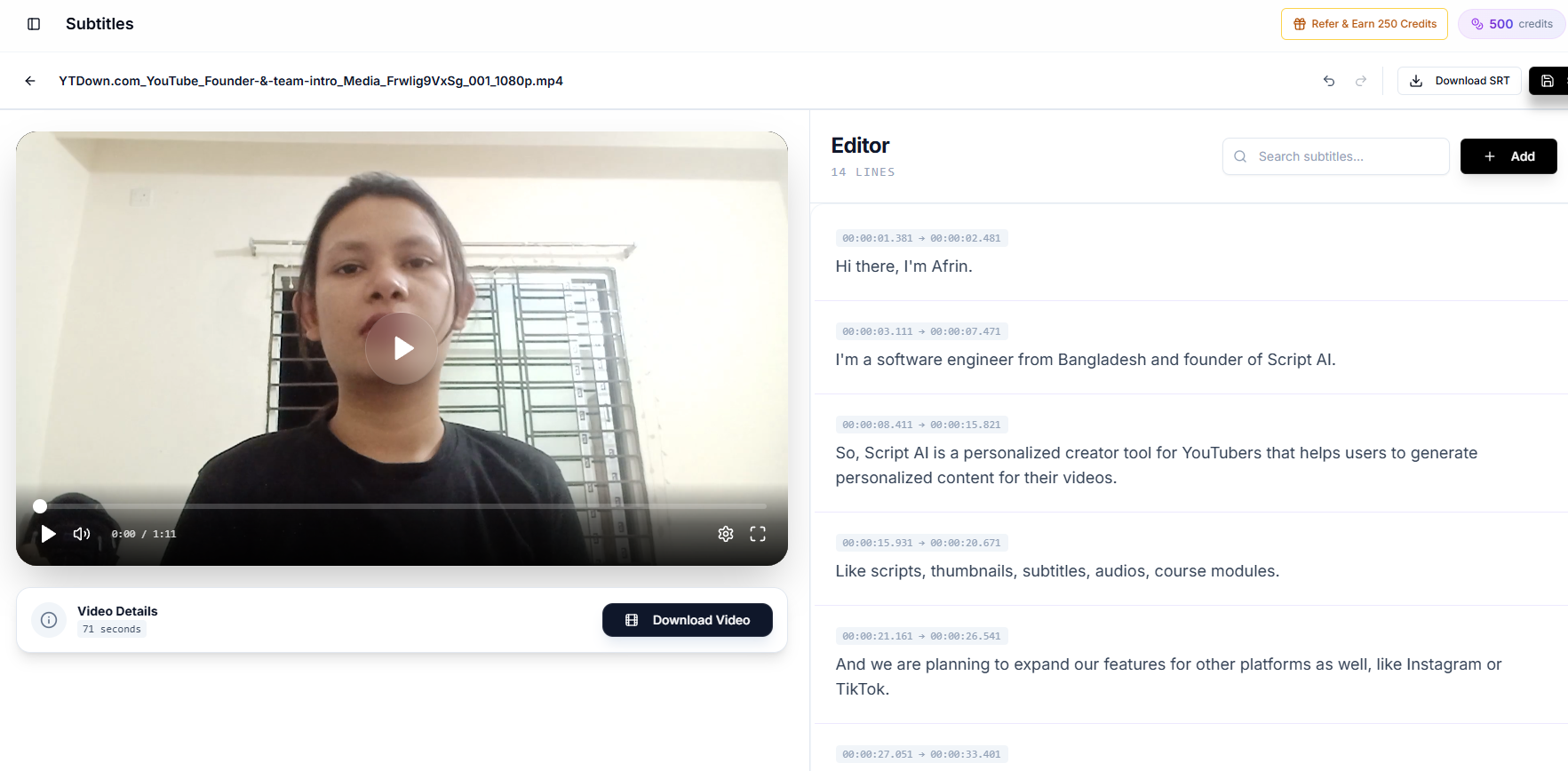
Creator AI's subtitles exist to serve the publish. Auto-timed, editable in-app so you can fix names and jargon before they are baked in, translatable, exportable as SRT or VTT, and burnable into the video. That last part matters more than it sounds: our guide to why auto-captions get expensive words wrong covers what happens when brand terms ship misspelled.
The honest limitation: Creator AI caps subtitle uploads at 200 MB or about 10 minutes per file. If you publish 30-minute videos, that means splitting them, and Descript has no such ceiling. Say that out loud before you switch.
Where Descript wins outright
- Text-based editing. Cutting a video by editing a document is a category-defining feature and nothing here replaces it.
- Overdub. Voice cloning for fixing a flubbed line without re-recording.
- Studio Sound. The single best "make a bad room sound acceptable" button in the category.
- Multitrack and screen recording. For tutorials and podcasts, Descript is close to a full production environment.
- It replaces an editor for many creators. That is a large, real saving in both money and learning time.
If your footage is good and your week disappears into the timeline, buy Descript and stop reading comparison posts. Descript's own feature pages are accurate about what it does.
Where Creator AI wins outright
- Voice-trained scripting. Trained on 3 to 5 of your own videos, not on a prompt. See how the voice profile is built.
- Story Builder. Narrative structure with retention scoring, so the middle of the video has a reason to exist.
- Ideation with cited sources. Live web search, trend snapshot, opportunity scoring.
- Dubbing into 24+ languages. Descript does not go here at all.
- Open source. MIT-licensed and self-hostable from the public repo.
The cost of running both
Most serious creators do run both, and the combined monthly cost lands in the range of a single freelance edit. Whether that is justified depends on one number: how many hours a week you currently spend on the two stages combined.
If the answer is under five, one tool is enough: pick the stage that hurts. If it is fifteen, the stack pays for itself in the first week, which is the same logic behind the production checklist that maps every stage to a tool.
The Creator AI vs Descript handoff workflow
This is the sequence we would actually recommend, and it is the practical resolution of Creator AI vs Descript:
- Creator AI Ideation. Validate the topic, check what has been published this week, score the opportunity.
- Creator AI Story Builder. Structure the narrative, place the open loop, mark retention checkpoints.
- Creator AI Script. Voice-trained draft with timestamps. The timestamps are your shot list.
- Record against the script.
- Descript: rough cut by deleting text, Studio Sound on the audio, tighten the first thirty seconds ruthlessly.
- Creator AI Subtitles: generate, fix jargon and names, export SRT, translate for your second and third markets.
- Creator AI Dubbing: queue the languages worth dubbing into, then drop the audio back into the edit.
- Publish, then check CTR and retention at 48 hours.
Step 5 is the only one Descript owns, and it is the step that would take you longest without it. Everything either side of it is where Creator AI vs Descript stops being a comparison and starts being a handoff.
The decision
Your footage is fine, your edits take days. Descript.
Your edits are quick, your scripts take days. Creator AI.
You publish weekly to a global audience. Both, in the order above: the dubbing and subtitle stages have no Descript equivalent and they are what make multilingual publishing practical for one person.
Descript fixes the video you made. Creator AI decides what video to make and how it should sound. That is the whole of Creator AI vs Descript, and the tool you need is whichever sentence describes your last bad week. Start free if it was the second one.
Keep Reading
- The Most Accurate AI Subtitle Generator? 7 Tools Tested
- How Subtitles Increase YouTube Views and Watch Time
- YouTube Video Story Structure for Retention
- Creator AI + CapCut: From AI Script to Subtitled, Dubbed Video
- Script it before you edit it, start free or see plans.