What is the best ChatGPT YouTube workflow for video ideas? Diverge in ChatGPT, converge in a channel-aware tool. ChatGPT generates forty raw angles in a minute and clusters them into themes; it cannot tell you which fit your channel. This ChatGPT YouTube workflow uses six steps to move from forty ideas to one scripted, structured video in your own voice.
We have five posts on this blog arguing ChatGPT is not enough for YouTube. All of them are correct and all of them are adversarial, which caps us out of the more useful question: given that you are already using it, how should you use it?
The two jobs of idea generation
Idea work splits cleanly into two operations that need different tools.
Divergence is producing many raw options fast, including bad ones, without judging them. Volume is the goal; a general-purpose model is superb at this.
Convergence is deciding which options fit your channel, your audience, and this week's demand. Judgement is the goal, and it requires context the general model does not have.
Almost every bad AI content workflow fails by asking one tool to do both. That is the design principle behind this ChatGPT YouTube workflow.
Where ChatGPT is genuinely excellent
Be specific here, because vague praise is worthless.
- Volume on demand. Forty angles on a topic, in a minute, with no warm-up.
- Reframing. "Give me the contrarian version of each of these" is a genuinely useful second pass.
- Devil's advocate. It will argue against your thesis competently, which is the cheapest way to find the hole in a video before you record it.
- Structure of the raw pile. Clustering forty items into five themes is a mechanical task it does faster and more consistently than you will.
- It is free. The whole first half of this ChatGPT YouTube workflow runs on the free tier.
Where it falls down
- No channel context. It does not know what you have already covered, what flopped, or what your audience responds to.
- No live trend data unless you explicitly push it, and even then the retrieval is shallow compared with a purpose-built search step.
- No memory across sessions. Every conversation starts from zero, which is exactly wrong for a channel you have been building for two years.
- Everyone has the same model. Output regresses towards the median of what the model considers a good YouTube idea, which is the median of what everyone else is publishing.
That last one is the real cost, and it is why the handoff exists. Our comparison covers the underlying reasons rather than repeating them here.
The 6-step ChatGPT YouTube workflow
Step 1. Diverge: 40 raw angles in ChatGPT
Paste this, replacing the bracketed parts:
You are helping a YouTube creator in the [NICHE] niche brainstorm. My audience is [AUDIENCE DESCRIPTION]. Give me 40 distinct video angles on the topic "[TOPIC]". Vary the format: tutorials, teardowns, contrarian takes, case studies, comparisons, and beginner explainers. Do not repeat the same idea with different wording. Number them. No commentary.
Forty is deliberate. Ten gives you the obvious ones; forty forces it past them.
Step 2. Cluster: five themes
Group those 40 angles into 5 themes. For each theme, name it, say what viewer problem it solves, and pick the two strongest angles in it. Then tell me which theme you would bet on and why, in two sentences.
You now have five defensible directions instead of forty options, which is the point where a human can actually decide.
Step 3. Validate: hand off to Creator AI Ideation
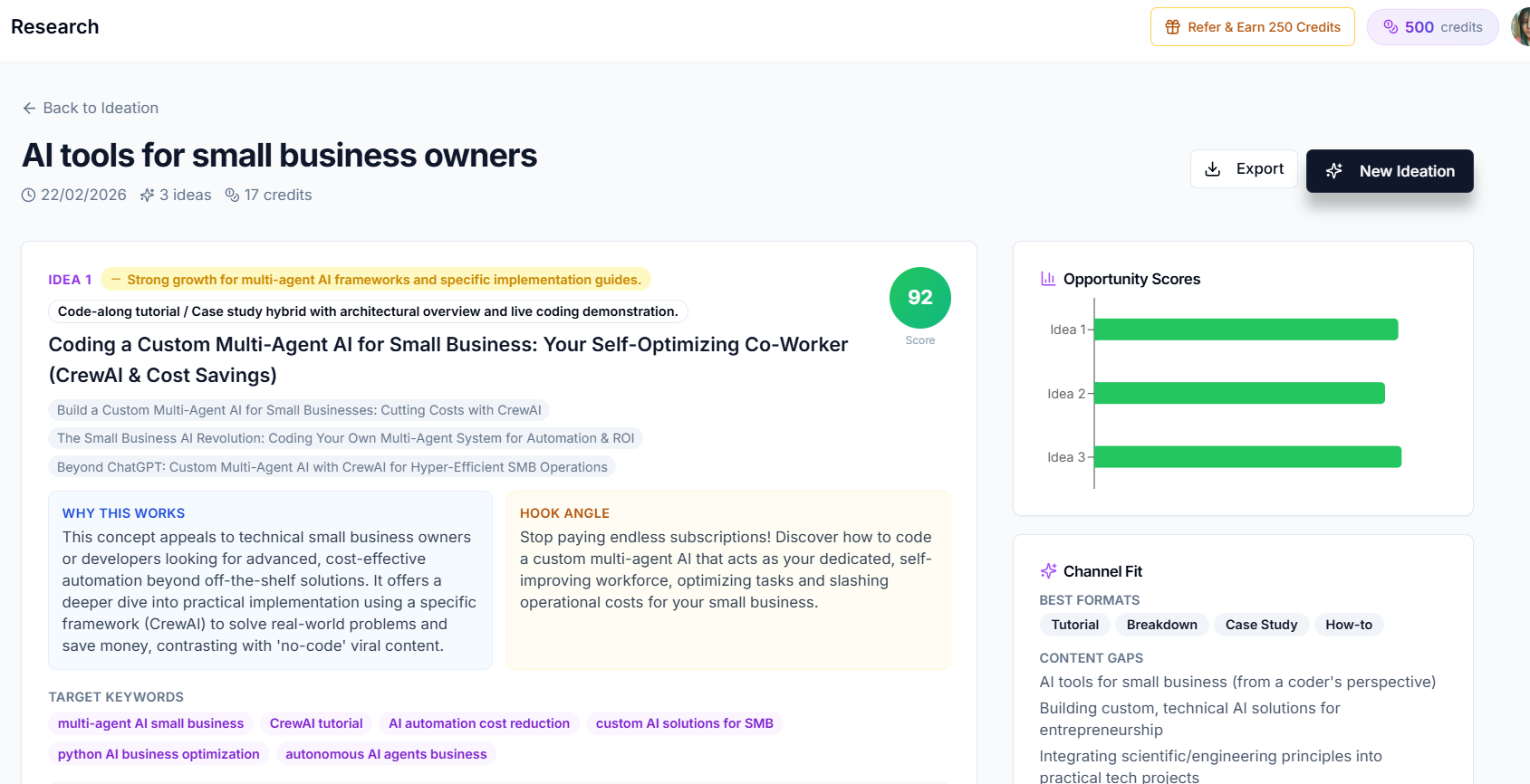
Take the top five angles into Creator AI Ideation. This is where the ChatGPT YouTube workflow stops guessing: live web search on each angle, a trend snapshot showing whether interest is rising or you are late, an opportunity score weighing demand against how contested the space is, and cited sources you can open and check.
This is the step ChatGPT structurally cannot do, and it is where most ideas die, correctly. Two of your five will turn out to be saturated, and finding that out now costs nothing.
Step 4. Structure: Story Builder
Take the highest-scoring angle into Story Builder for narrative structure and retention scoring: where the stakes land, where the open loop opens and closes, where viewers typically leave and what goes there instead. The reasoning behind that structure is in our retention guide.
Step 5: Script in your voice
Generate the script through your trained voice profile, with timestamps. The timestamps double as a shot list, which is what makes the recording session fast.
Step 6: Ship it everywhere
Subtitles generated and proofread for names and jargon, then dubbed into whichever languages your audience data justifies. One video, several markets.
A worked example
Topic: "budgeting apps."
ChatGPT step 1 returned 40 angles, of which roughly 25 were variations on "top 5 budgeting apps."
Step 2 clustered them into: comparison content, behaviour-change content, teardowns of specific apps, beginner explainers, and contrarian takes on why budgeting apps fail.
Step 3 in Creator AI scored the comparison cluster as heavily saturated and the "why budgeting apps fail" cluster as rising with thin coverage, citing three recent articles and a search-interest curve.
Step 4 structured it: open on the failure, promise the mechanism by 0:15, hold the actual answer until minute six.
Steps 5 and 6 produced a voice-matched script and a subtitle track in about the time it takes to make coffee.
The idea that won came out of ChatGPT. The decision to make it did not, and could not have.
The prompts, collected
Copy both, keep them somewhere you will find them:
Prompt 1 (diverge): You are helping a YouTube creator in the [NICHE] niche brainstorm. My audience is [AUDIENCE]. Give me 40 distinct video angles on "[TOPIC]". Vary the format across tutorials, teardowns, contrarian takes, case studies, comparisons, and beginner explainers. No repeats, no commentary, numbered.
Prompt 2 (cluster): Group those 40 into 5 themes. For each: name it, state the viewer problem it solves, pick the two strongest angles. Then say which theme you would bet on and why, in two sentences.
Steal them. A stolen prompt that works is the cheapest marketing there is.
Why not just do it all in ChatGPT?
Because the two steps it cannot do are the two that decide whether the video works: knowing what is happening in your niche this week, and sounding like you rather than like the model. We made that argument at length in 5 things a YouTube AI tool does that ChatGPT can't, and there is no point relitigating it here.
Run this ChatGPT YouTube workflow once end to end and the division of labour becomes obvious: ChatGPT gives you forty ideas anyone could have had, and the second half of the workflow tells you which three are yours. Start free. The validation step is on the free tier.
Keep Reading
- Creator AI vs ChatGPT: Why Generic AI Falls Short
- A YouTube Video Ideation System That Beats Guessing
- How to Find Trending YouTube Video Topics
- Validate the idea before you write it, start free or see plans.