Stop Creating Videos Nobody Asked For
The most common reason videos flop isn't bad editing or poor scripts, it's choosing the wrong topic. You spent 10 hours on a video about something nobody was searching for. Learning to find trending YouTube video topics before you film is the single highest-leverage research skill a creator can build.
Finding trending YouTube video topics isn't about chasing virality. It's about understanding what your audience is actively looking for and creating content that meets that demand.
Step 1: Mine Your Analytics
Your YouTube Analytics is a goldmine. Look at:
- Search terms that brought viewers to your channel
- Suggested video traffic sources (what content YouTube associates with yours)
- Audience tab interests and demographics
- Which of your past videos had the highest CTR (people wanted that content)
Step 2: Study Your Competitors (The Right Way)
Don't copy, analyze. Look at creators in your niche and identify:
- Videos that got significantly more views than their average
- Topics they covered that you haven't
- Comments asking for follow-up content
A competitor's hit video tells you there's demand for that topic in your shared audience.
Step 3: Use Google Trends and YouTube Search
Google Trends shows you whether interest in a topic is rising or falling. Filter by YouTube search to see platform-specific trends.
YouTube's search bar auto-completes based on what people are actually searching. Type your niche keyword and see what suggestions come up.
YouTube Topic Research Tools Compared
| Tool | Best for | Limitation |
|---|---|---|
| [Google Trends](https://trends.google.com/trends/explore) | Spotting rising topics by region and category | No direct YouTube outlier data |
| YouTube Search autocomplete | Real search demand in your niche | Manual; no trend scoring |
| VidIQ | Keyword scores, competitor tags, outlier videos | Research-focused; separate tools for scripting |
| TubeBuddy | Topic exploration, A/B tests, tag suggestions | Research-focused; no script or asset generation |
| Creator AI | Trend scanning + topic angles matched to your channel | End-to-end creation, not just keyword lookup |
Use two or three tools together: validate demand with Trends and autocomplete, study competition with VidIQ or TubeBuddy, then shape angles with Creator AI's ideation features before you write a word.
Step 4: Leverage Community Signals
- Read comments on your videos and competitors' videos
- Browse Reddit, Discord, and Facebook groups in your niche
- Check Twitter/X for emerging conversations
- Look at "People also ask" boxes on Google
These are real questions from real people, each one is a potential video.
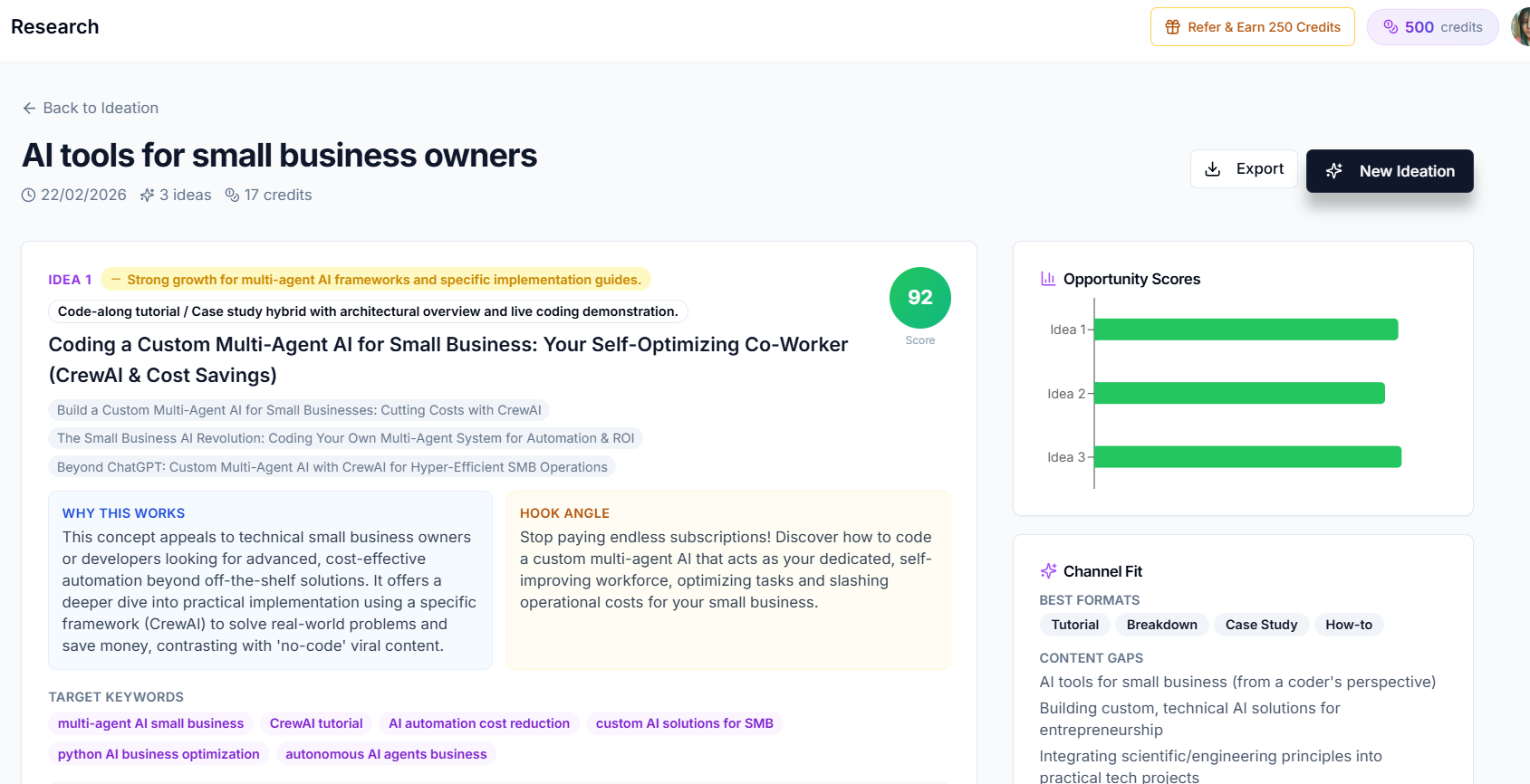
Step 5: Use AI to Accelerate Research
This is where it gets powerful. Creator AI's idea research feature:
- Scans trending topics in your niche using web search
- Analyzes what's performing well on YouTube right now
- Suggests topic angles tailored to your channel's style
- Helps you validate ideas before investing time
Instead of spending 2 hours researching, you get a curated list of high-potential topics in minutes.
The 45-Minute Weekly Routine That Produces Trending YouTube Video Topics
Steps are useless if you never repeat them. This is the version that survives contact with a real upload schedule: one block, once a week, same day, 45 minutes.
Minutes 0 to 10, harvest what already worked. Open YouTube Studio, filter your last 90 days by impressions click-through rate, and write down the three videos with the highest CTR regardless of view count. High CTR with low views means the packaging worked and the distribution did not, which is the cheapest kind of idea to remake. Also skim the last two weeks of comments for questions asked more than once.
Minutes 10 to 25, mine three competitors for outliers. Pick channels within roughly 2x your size, sort each by "Popular", and look only for videos that beat that channel's own median. Ignore the big channels entirely: a video that works for 2M subscribers tells you nothing about what works with 2,000. Write down the angle, not the title.
Minutes 25 to 35, check the direction of demand. Take your five candidate topics into Google Trends on a 12-month view and YouTube search autocomplete. You are not looking for volume, you are looking for slope. A term with modest but rising interest beats a bigger term that peaked eight months ago, because you are publishing into next week, not last year.
Minutes 35 to 45, package before you commit. Write the title and describe the thumbnail in one sentence for each surviving topic. Any idea you cannot package in one sentence is not an idea yet, it is a subject. Kill it now rather than after filming.
What you end up with: three to five validated topics a week, which is more than most creators can publish, so the backlog compounds instead of the panic. Run the same loop every week and the trending YouTube video topics you find stop being lucky finds and start being output.
| Week's inputs | What it produces | Time |
|---|---|---|
| Your own high-CTR videos | Remake and sequel candidates | 10 min |
| Similar-sized competitors' outliers | Proven angles, unproven for you | 15 min |
| Trends and autocomplete slope | Timing check, kills stale topics | 10 min |
| One-sentence packaging test | Kills unfilmable ideas early | 10 min |
The Topic Validation Framework
Before committing to a topic, run it through this checklist:
- Is there search demand? (Google Trends, YouTube search volume)
- Is the competition beatable? (Can you add a unique angle?)
- Does it fit your channel? (Relevant to your audience?)
- Can you make it visually interesting? (Good for YouTube format?)
- Are you excited about it? (Passion shows on camera)
If you check at least 4 of 5, you've got a winner.
How to Spot Real Trending YouTube Video Topics vs Dead Ones
Not every rising line on a chart is worth chasing. The difference between trending YouTube video topics that pay off and ones that waste a weekend comes down to timing and fit.
Catch the wave early, not late. By the time a topic is saturated with big-channel uploads, the algorithm has plenty to recommend and your video is late to the party. The sweet spot is a topic with rising search demand but thin, mediocre supply, that gap is where small channels beat big ones.
Separate evergreen from spike. Some trending YouTube video topics are seasonal spikes (a game launch, a viral moment) that die in a week; others are evergreen questions that trend gently forever ("how to edit faster"). Spikes win fast views; evergreen topics compound for years. A healthy channel publishes both.
Match the trend to your channel, not just the platform. A topic exploding in a niche you have no authority in will underperform, because YouTube shows videos to audiences, and your audience signals don't fit. The best trending YouTube video topics for you sit at the intersection of rising demand and your existing credibility.
Check the format, not just the subject. A trend might be real but hard to make visual. Before you commit, confirm you can turn it into something watchable, and cross-reference demand against a source like Google Trends to be sure interest is climbing, not fading.
Run any candidate through those four filters and the validation checklist above, and you'll pick trending YouTube video topics that actually grow the channel instead of just chasing whatever is loud this week.
Stop Guessing, Start Researching
The creators who grow fastest aren't the most talented, they're the most strategic about topic selection. Use data, use AI, and never create a video without validating the topic first.
Build the habit and it becomes a flywheel: each validated video teaches you more about what your specific audience wants, which sharpens your next round of research. Over a few months, finding trending YouTube video topics stops feeling like guesswork and starts feeling like reading a map you drew yourself. That compounding insight, not any single viral hit, is what separates channels that plateau from channels that keep climbing.
Keep Reading
- How to Write YouTube Scripts That Get More Views
- How AI Is Changing YouTube Content Creation in 2026
- Turn validated topics into scripts with Creator AI, get started free.
- Validate demand using Google Trends.