Creator AI vs vidIQ: which one should you buy? Buy vidIQ if you are still figuring out what to make. Buy Creator AI if you already know what to make and the bottleneck is producing it. vidIQ is a research layer that tells you what the algorithm wants; Creator AI is a production layer that writes it in your voice. They are two halves of one workflow, and most creators buy the wrong half first.
That is the whole verdict, and if you stop reading here you have the answer. The rest of this post is the evidence, including the parts where vidIQ wins outright.
What each tool was actually built for
Origins predict feature quality more reliably than feature lists do.
vidIQ started life as a browser extension that overlaid YouTube SEO data on the pages creators were already looking at. Everything strong about it descends from that: real-time keyword scores in the YouTube UI, competitor channel tracking, trend alerts, a genuinely enormous corpus of channel data. Its AI features were bolted on later, and they behave like it: useful, generic, metered by credits.
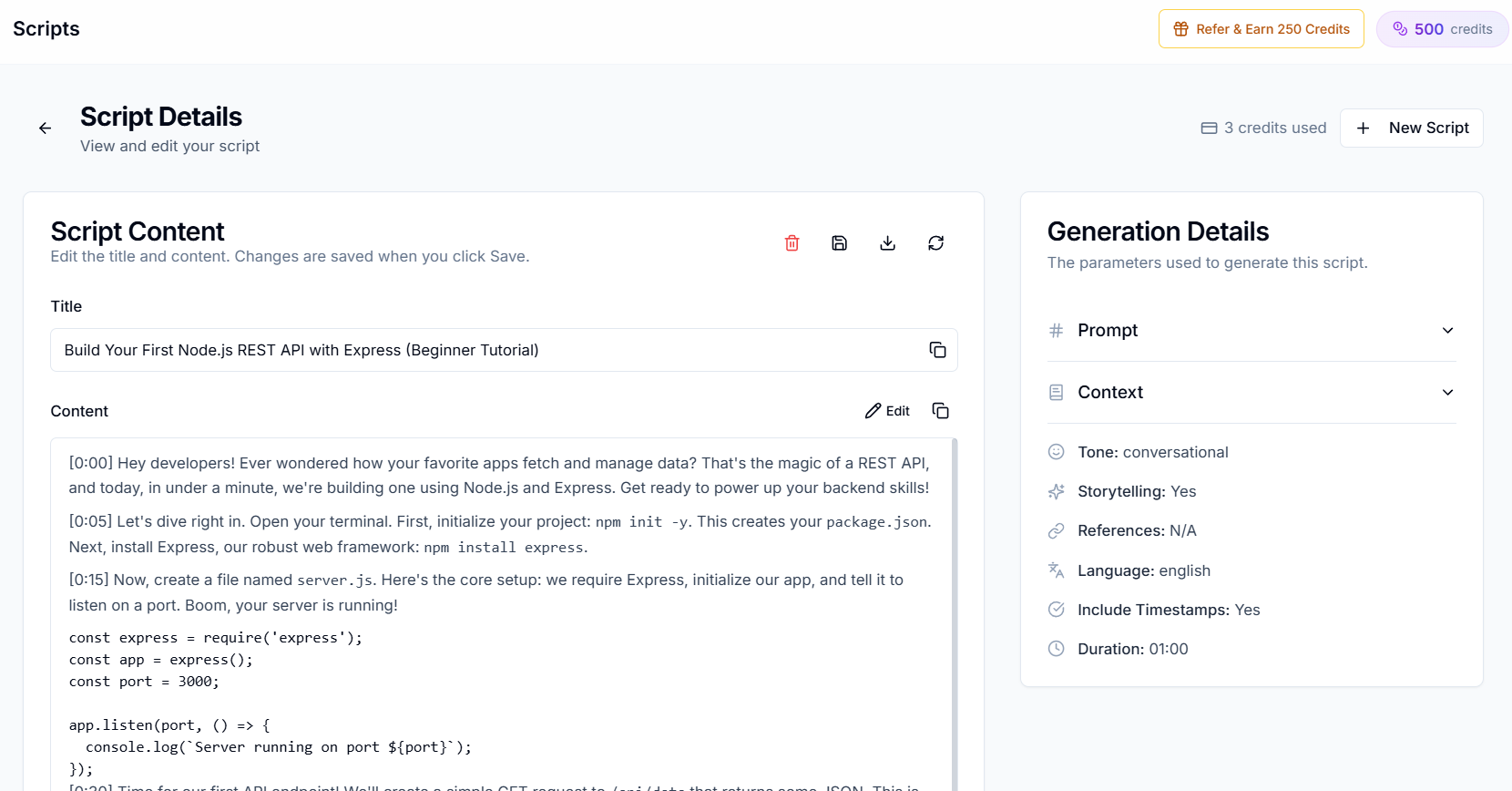
Creator AI started at the other end. The founding mechanic is AI Style Training: connect your channel, feed it 3 to 5 of your own videos, and it builds a persistent voice profile from your actual spoken output: vocabulary, pacing, humor, how you open, how you transition. Everything else in the product is downstream of that profile.
So the honest framing of Creator AI vs vidIQ is not "which tool is better." It is "which half of the job is currently costing you more."
Feature matrix
| Capability | vidIQ | Creator AI |
|---|---|---|
| Keyword research and scores | Core strength | Not offered |
| Competitor channel tracking | ||
| Trend discovery | Live web search with cited sources | |
| Browser extension in YouTube Studio | Web app only | |
| Script generation | ⚠️ Generic AI, credit-metered | Trained on your videos |
| Voice personalization | The core mechanic | |
| Story structure with retention scoring | Story Builder | |
| Subtitles (auto-timed, editable, translated) | SRT/VTT export, FFmpeg burn-in | |
| Dubbing | 24+ languages | |
| Thumbnail generation | ||
| Thumbnail A/B testing | ⚠️ Limited | |
| Open source | MIT-licensed |
Read the ❌ column on both sides before the ✅ column. The gaps are the actual decision, and in a Creator AI vs vidIQ comparison they point in opposite directions rather than overlapping.
The AI head-to-head: where Creator AI vs vidIQ is decided
Both tools will write you a script. They are not doing the same thing.
vidIQ's AI is credit-metered: the free tier allots a small monthly pool, with larger pools on paid tiers (current allowances are on vidIQ's pricing page; they change). More importantly, it is prompt-driven and channel-agnostic. Give it your topic and it returns competent YouTube-shaped copy: a hook, some sections, a CTA. It reads like a good YouTube script. It does not read like your script, because nothing in the pipeline has ever heard you talk.
Creator AI runs the same topic through a profile built from your transcripts. The difference shows up in specific, boring places: the phrase you always use to open, whether you address the viewer as "you" or "guys," how long your sentences run before you break for a beat, whether you set up a joke before the demo or after it. Those are the tells your regular viewers notice within ten seconds, and they are exactly what a generic model averages away.
This is the practical meaning of Creator AI vs vidIQ: one gives you a script about your topic, the other gives you your script about your topic. If you are going to edit the output line by line anyway, the second one starts you far closer to done.
Where vidIQ genuinely wins
Skipping this section would make the rest of the post worthless, so here it is plainly.
- Real-time data where you work. Keyword scores and competitor stats appear inside YouTube itself. No context switch, no second tab.
- Competitor tracking. Creator AI has nothing comparable. If you want to know what a rival channel published last week and how it performed, vidIQ is the tool.
- A serious free tier. vidIQ's free plan is genuinely usable for keyword checks, which is why it has such a wide install base.
- Scale of data. Years of channel-level data across millions of videos is a real moat, and it feeds the scoring models.
- It answers the question that comes first. Deciding what to make precedes making it. A creator with no topic pipeline should fix that before buying a script tool.
If your videos are well-made and nobody is finding them, vidIQ is the correct purchase and Creator AI will not fix it. That is the one scenario where Creator AI vs vidIQ has an unambiguous answer.
Where Creator AI genuinely wins
- Voice matching. No competitor in this category trains on your own videos. It is the reason the product exists.
- Story Builder. Structured narrative with retention scoring, so the middle of a 12-minute video has a reason to exist. See how story structure holds a viewer.
- The full production chain. Script to subtitles to 24+ language dubbing without leaving the app.
- Ideation with sources. Live web search, trend snapshots, opportunity scoring, and citations you can check, closer to a real ideation system than a keyword list.
- Open source. MIT-licensed and self-hostable from the public repo. Nothing else in this category can say that.
Pricing: compare cost per finished video, not headline price
Headline prices are close enough to be useless as a signal. Both sit in the same monthly range for their mid tiers, and both change them: vidIQ's plans and Creator AI's plans are the only current sources, so check both before you decide.
The metric that actually matters is what one published video costs you, end to end:
| Weekly output | What you buy from vidIQ | What you buy from Creator AI |
|---|---|---|
| 1 video/week | Topic validation and packaging checks | 4 scripts, structure, subtitles, thumbnails |
| 3 videos/week | The same, at higher AI credit burn | 12 scripts plus subtitle and dub runs |
| Multilingual | Not applicable | Dubbing folded into the same credit pool |
The asymmetry is the point. vidIQ's cost is roughly flat regardless of how much you publish. Creator AI's cost scales with output, which is worse if you publish twice a month and much better if the alternative is paying a freelance scriptwriter.
Can you run both? Yes. Here is the week
This is what the stack looks like in practice.
- Monday: vidIQ. Check search demand on three candidate topics. Kill the one with no volume.
- Monday: Creator AI Ideation. Run the surviving two through opportunity scoring with live web search. Pick the winner.
- Tuesday: Creator AI. Story Builder for structure, then a script in your trained voice with timestamps.
- Wednesday: record. The timestamps double as your shot list.
- Thursday: Creator AI. Generate subtitles, fix names and jargon, export SRT. Queue dubs for your two biggest non-English markets.
- Friday: publish, then vidIQ for the packaging check and the 48-hour CTR read.
Research at the front, production in the middle, optimization at the back. Neither tool is trying to do the other's job.
Who should pick which
You are pre-100K and your videos get 200 views. Buy vidIQ. Your problem is demand, not prose. Come back to this comparison when the topics are working and the writing is the slow part.
You publish weekly, your topics land, and scripting eats two days. Buy Creator AI. You are paying a research tool to solve a production problem, and the research is already done.
You are a full-time creator or a small studio. Run both. The combined cost is less than one freelance script per month, and the handoff above is a real workflow rather than a compromise.
Run one topic through both and compare the drafts side by side. That single test settles Creator AI vs vidIQ faster than any feature table, including this one. Start free; the Starter tier does not need a card.
Keep Reading
- Best AI Script Writer for YouTube (7 Tools Compared)
- The AI That Learns Your Voice: Which Script Tools Really Do It
- Why Generic AI Tools Don't Work for YouTube Creators
- 9 Best vidIQ Alternatives for YouTube Creators
- Train a voice profile on your own videos, start free or see plans.