What is the best free AI script generator for YouTube in 2026? It depends on how much editing you are willing to do afterwards. A free ai script generator with no sign-up, like Restream, gets you a usable draft in about 40 seconds. A free tier attached to a YouTube-native tool, like vidIQ or Creator AI, gives you structure and channel context but wants an account first. The real difference is not output quality on the first draft, it is how much of your voice survives into the second one.
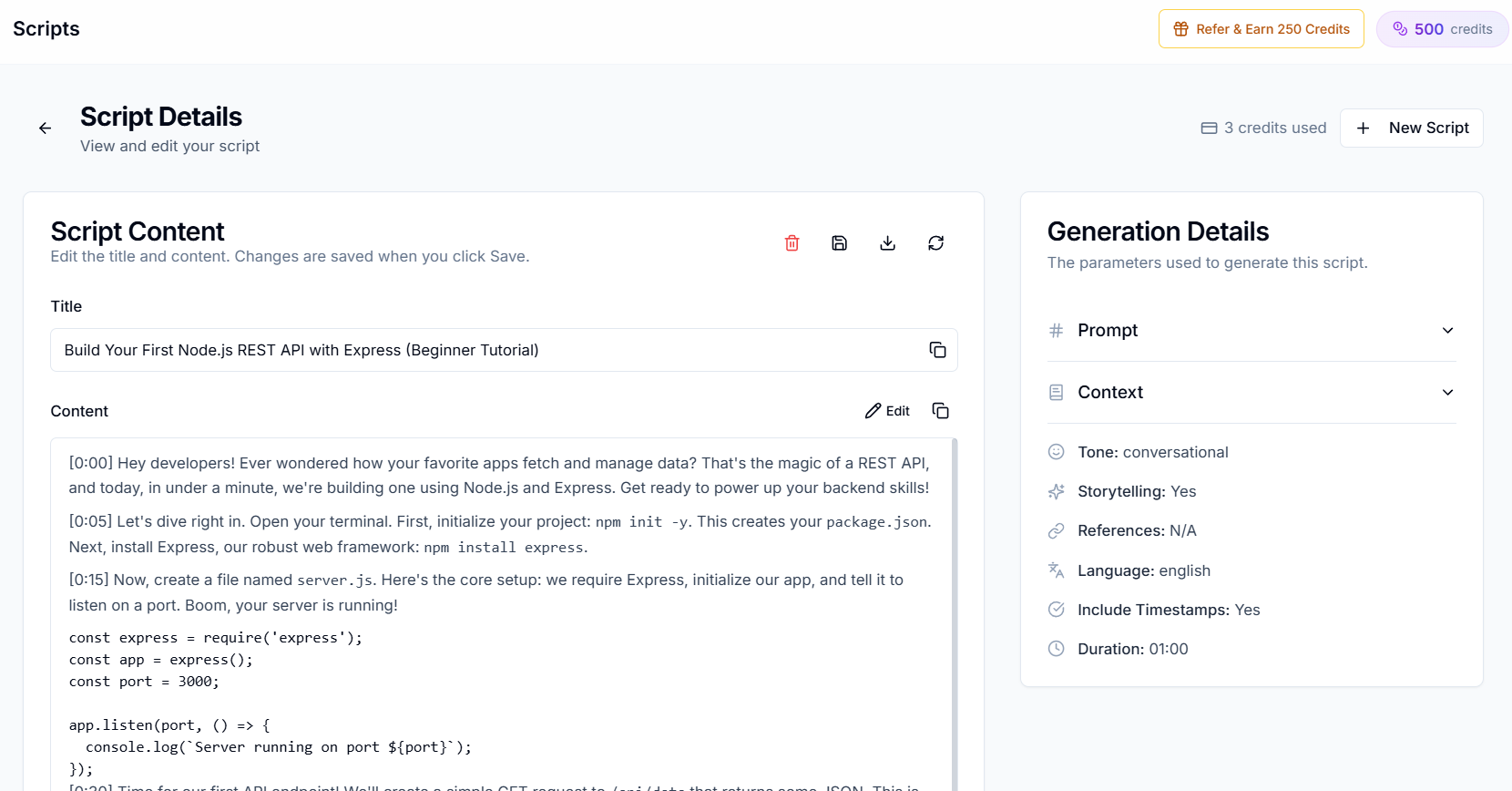
Search "free AI script generator" and you get roughly forty landing pages that all say the same three things: instant, unlimited, no credit card. Two of those are usually untrue.
So we ran seven of them against the same brief, a nine-minute talking-head video titled "5 mistakes new freelancers make in their first year", and compared what came back, what it cost in editing, and where each free tier actually stops.
What "Free" Actually Means Here
Every free tier in this category buys itself a limit somewhere. Knowing which limit you are being sold matters more than the feature list.
- Generation caps. Three to five runs a day is common. Fine for testing, painful when a script needs four passes.
- Length caps. Plenty of tools emit 400 to 700 words and call it a script. A nine-minute video needs roughly 1,200 to 1,500 spoken words at a natural 135 words-per-minute delivery.
- Model tiering. The free tier runs the cheaper model. The demo you saw was the paid one.
- No memory. The cheapest thing to remove from a free product is personalisation, which is exactly the thing that makes a script sound like you.
The industry moved in this direction generally: after the major providers tightened free access, reported free allowances across AI video and script tools fell sharply through 2025 and 2026. Treat any "unlimited free" claim as a signal to check the terms page.
The 7 Best Free AI Script Generator Tools, Compared
Free-tier details checked August 2026. These move often, so verify before you plan a workflow around one.
| Tool | Sign-up needed | Free tier reality | Knows your channel | Best for |
|---|---|---|---|---|
| Creator AI | Yes | 500 credits/mo, no card | Yes, trained on your videos | Voice-matched drafts you can actually film |
| vidIQ | Yes | ~150 AI credits/mo | Partly, via channel data | YouTube-shaped structure |
| Restream | No | Free browser tool | No | The fastest throwaway draft |
| Copy.ai | Yes | Limited free plan | No | Hooks and short segments |
| ChatGPT | Yes | Free tier, cheaper model | No | Brainstorming and rewrites |
| Pictory | Yes | Free trial, watermarked | No | Script plus rough auto-edit |
| Canva Magic Write | Yes | Small free allowance | No | Scripts alongside thumbnails |
Two patterns fall out of that table. The tools that need no account know nothing about you. The tools that know something about you all need an account and a training step. There is no third option, because personalisation requires storage.
1. Creator AI, the Free Tier That Learns First
Disclosure: our product. Judge it on the free tier, not on this paragraph.
Creator AI's Starter plan includes 500 monthly credits with no card. The distinguishing step happens before generation: it analyses three to five of your existing uploads and builds a persistent voice profile covering vocabulary, sentence length, pacing, humour and how you actually open a video. Scripts are then written against that profile and structured for retention, with a hook in the first ten seconds, open loops and pattern interrupts placed where retention graphs show people leave.
Pros: the only free option here where draft two sounds more like you than draft one, plus thumbnails and subtitles from the same brief.
Cons: the training step is a real first-run delay, and 500 credits is a testing budget, not a production one.
2. vidIQ, YouTube Structure on a Free Plan
vidIQ's AI script writer is trained on YouTube patterns rather than general prose, so it reliably produces hooks, transitions and a CTA in the right places. The free plan runs on a shared monthly AI credit balance, around 150 credits, spent across all its AI tools.
Pros: best free structural quality of the general tools; keyword data sits next to the script.
Cons: credits get eaten by the other AI features, and the output voice is generic YouTube-presenter by default.
3. Restream, No Account, No Friction
Restream's YouTube script generator runs in the browser with no sign-up. Topic, audience, tone, script.
Pros: genuinely zero friction; the fastest way to see whether an idea has a shape.
Cons: short output, no memory, no retention logic beyond a template. It is a starting block rather than a script.
4. Copy.ai, Good at the First Fifteen Seconds
Copy.ai's guided workflow is the easiest onboarding of any free AI script generator, and it is unusually good at hooks and short segments, which is the hardest part to write and the easiest part to test.
Pros: strong hook variations; forgiving for beginners.
Cons: built for marketing copy, so long-form video scripts drift into ad cadence.
5. ChatGPT, the Default Everyone Already Has
The free tier writes clean prose and will happily produce a script-shaped document. It has no channel memory, no retention model and a strong pull toward essay rhythm, which reads fine and performs badly out loud. We tested this at length in our ChatGPT scripting review.
Pros: unbeatable for brainstorming, rewriting a paragraph, or fixing a clunky transition.
Cons: budget 30 to 45 minutes of editing per script to strip the AI cadence.
6. Pictory, Script Plus a Rough Cut
Pictory generates a script and then assembles stock footage against it. The free trial watermarks exports.
Pros: useful when the video is faceless and the visuals are secondary.
Cons: script quality is subordinate to the auto-edit; the watermark makes the free tier a demo.
7. Canva Magic Write, Convenient If You Already Live There
A small free allowance, ordinary script quality, and the practical advantage that your thumbnail is one tab away.
Pros: one workspace for script and packaging.
Cons: no YouTube-specific structure at all.
What Every Free AI Script Generator Gets Wrong
Across all seven, the same three failures showed up in the raw output.
It writes to be read, not spoken. Sentences run long, clauses nest, and there are no breath points. Read any of these drafts aloud and you will trip inside thirty seconds. Spoken scripts want short sentences and deliberate fragments.
The hook is a summary. Almost every tool opened with a version of "In today's video, we'll cover five mistakes." That is a table of contents, not a hook. A hook creates a gap the viewer needs closed, and the fix is covered in how to write YouTube scripts that hold attention.
The voice is the tool's, not yours. This is the one that compounds. Every script you publish in a borrowed voice trains your audience to expect a presenter who is not you, and it is why we wrote how to make AI scripts sound human.
How to Test a Free AI Script Generator in 20 Minutes
Do not evaluate these on a demo topic. Use a video you have already published and know the retention curve of.
- Feed it a real brief. Your actual title, actual audience, actual length.
- Read the first 15 seconds out loud. If you would not say it, the hook has failed and everything after it is decoration.
- Count the words. Under 1,000 for a nine-minute video means you are writing the rest yourself.
- Generate a second draft with one change. Does it remember anything from the first? Most do not.
- Time your edit. The honest cost of a free AI script generator is the number of minutes between the draft and something you would film.
That last number is what separates the seven. On our brief the fastest useful edit was under ten minutes and the slowest was over forty, and the difference tracked almost exactly with whether the tool had ever seen the channel.
The Paid AI Script Writers Worth Upgrading To
When the free tier runs out, these are the tools creators actually move to. We ran the same brief through all of them.
| Tool | Monthly | Learns your voice | Retention structure | Beyond the script | Best for |
|---|---|---|---|---|---|
| Creator AI | Free tier, then credits | Yes, from your uploads | Built in | Thumbnails, subtitles, dubbing | The whole video, not just the text |
| Subscribr | ~$29 | Partly, from pasted transcripts | Yes, hook-focused | No | Script-only creators who love hooks |
| Claude | $20 | No | No | No | The most natural prose of any general model |
| ChatGPT Plus | $20 | No | No | No | Brainstorming and outlines |
| vidIQ | $16 to 49 | No | Light | SEO data, not production | SEO-first quick drafts |
| Jasper | $39+ | Brand voice, marketing-flavoured | No | Marketing assets | Teams already on Jasper |
| Notebooks.app | ~$15 | No | No | Source management | Research-heavy explainers |
What actually separates them. Not output quality on a single prompt, where they are closer than any comparison table admits. It is these four:
- Voice that persists. Does the tool still sound like you next month, without you re-pasting transcripts?
- Retention architecture. Are hooks, open loops and pattern interrupts placed deliberately, or is it prose with headings?
- Spoken-word pacing. Sentences you can say in one breath, not sentences that read well.
- What happens after the script. If the thumbnail, captions and dub live in three other tools, the script was never the bottleneck.
Score any paid AI script writer on those four before you pay. Most of them win one and lose three.
When to Stop Using the Free Tier
Free is the right answer while you are still deciding what your channel is. It stops being the right answer at roughly one upload a week, when the arithmetic flips: caps force you to ration drafts, and editing time per script starts exceeding the cost of a paid plan in hours you could have spent filming.
YouTube's own creator guidance keeps pointing at the same thing, and the platform's move toward viewer satisfaction as a ranking input sharpens it: what gets recommended is a video that delivers on its promise. No free AI script generator does that for you. What the good ones do is get you to a draft fast enough that the remaining hours go into the parts that actually earn the view.
Keep Reading
- How to Make AI Scripts Sound More Human on YouTube
- Generate a voice-matched draft on the free tier, start free or compare plans.
- References: vidIQ AI script generator, Restream script tools, YouTube for Creators.